
















Guide til opgradering af digital LCD-instrument i gammel bil
Opgraderingsplan til ældre biler: Forvandl dit instrumentbræt med et 12,3" digitalt LCD-instrumentpanel
En praktisk, plug-and-play-vej til et moderne digitalt instrumentbræt — fordele, trin og ofte stillede spørgsmål.
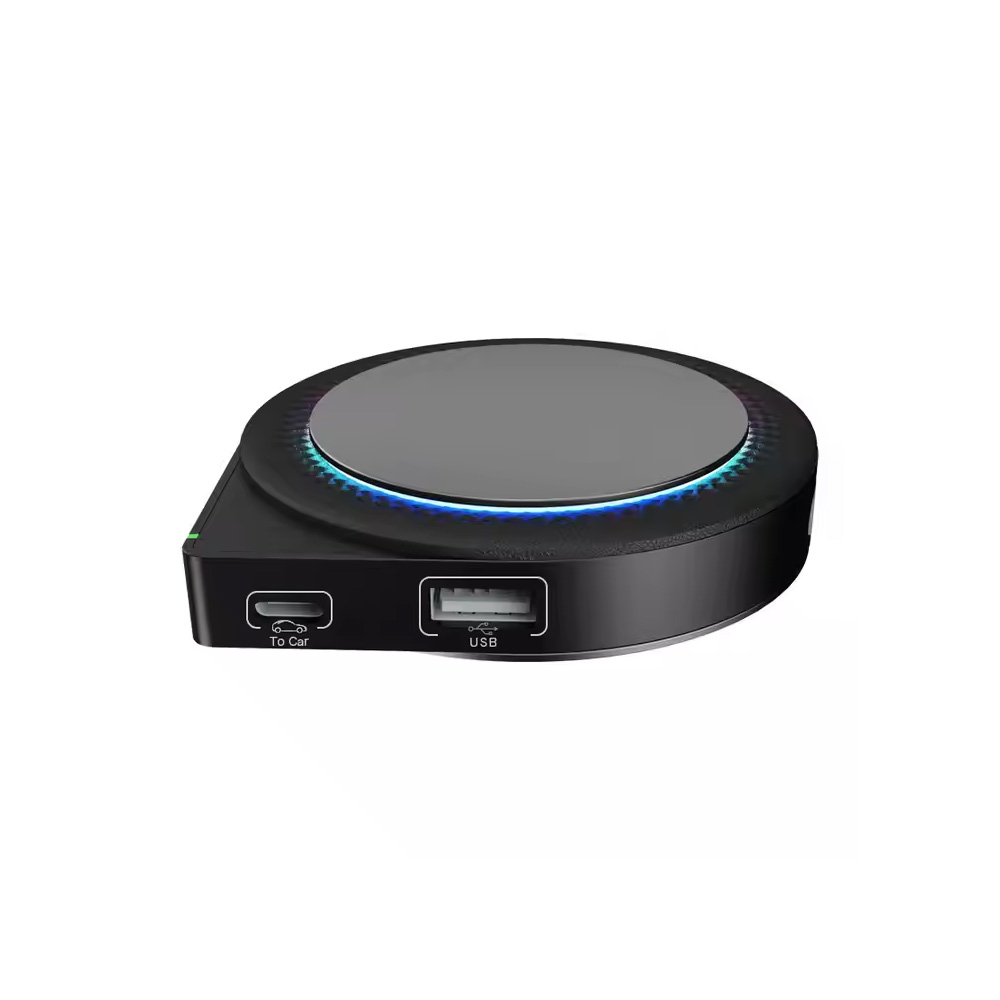
Opgrader din gamle bil med en 12,3-tommers digitalt LCD-instrumentpanel er en af de mest gennemgribende forandringer, man kan gennemføre. Dette digitalt display giver en tilpasseligt kontrolpanel, moderne grafik og avancerede funktioner som trådløs forbindelse, Apple CarPlay, og Android Auto.
Hvorfor skifte til et digitalt LCD-instrumentpanel?
Problem #1: Vanskeligheder med at aflæse analoge målere under forskellige lysforhold
Traditionelle analoge målere kan være svære at aflæse i svagt lys eller i stærkt sollys. Det kan være svært at aflæse vigtige oplysninger som f.eks. hastighed, brændstofstand eller motortemperatur.
Fordel #1: Fremragende billedkvalitet
Med en 12,3 tommer Full HD (findes også på 10,25 tommer PQ) og en opløsning på 1920×720, og skærmens adaptive lysstyrke sikrer, at vigtige oplysninger forbliver synlige under alle lysforhold.
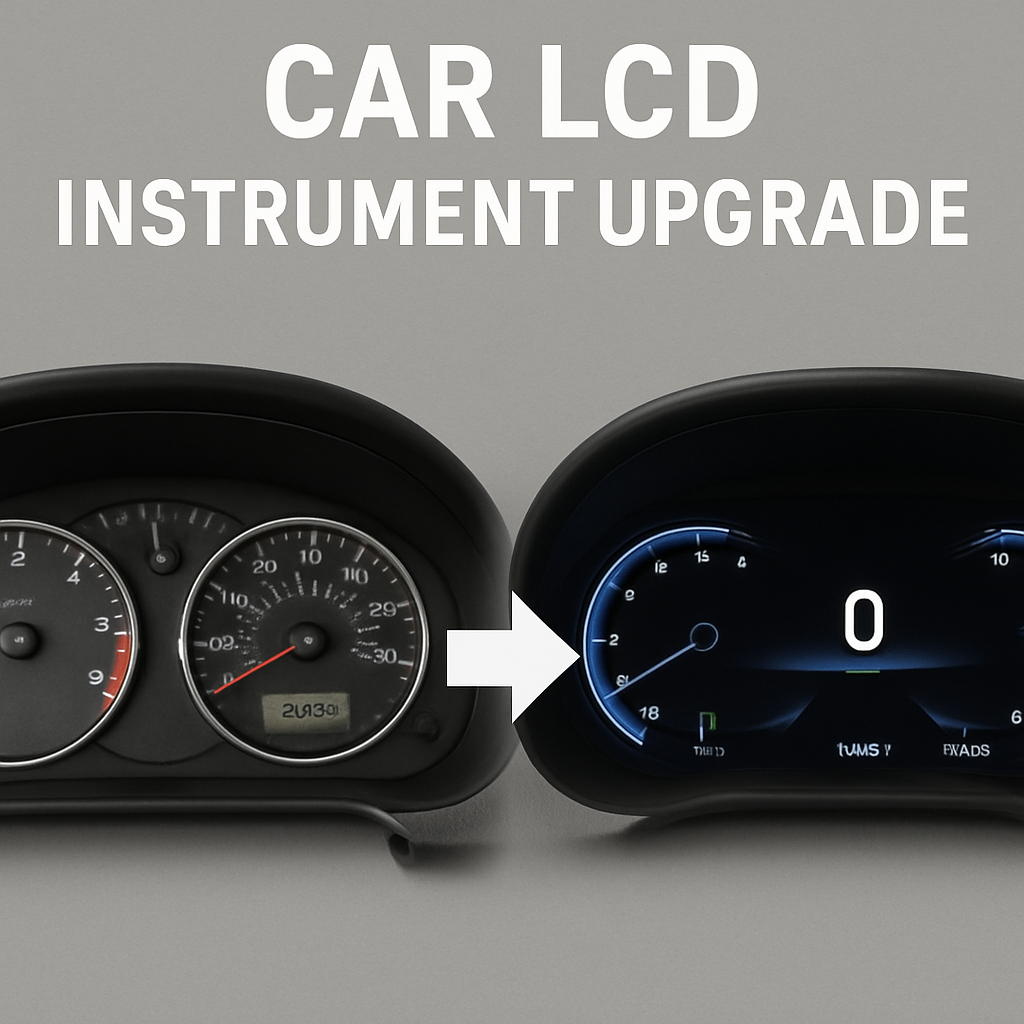
Problem #2: Forældet, statisk design af kontrolpanelet
Ældre dashboards begrænser mulighederne for tilpasning og fleksibilitet i layoutet.
Fordel #2: Tilpasning og fleksibilitet
God fornøjelse 8 brugerdefinerbare brugergrænsefladelayouter herunder 9 designs i Audi-stil—fra klassisk til futuristisk—tilpasset netop dine kørepræferencer.
Problem #3: Manglende integration med moderne bilteknologi
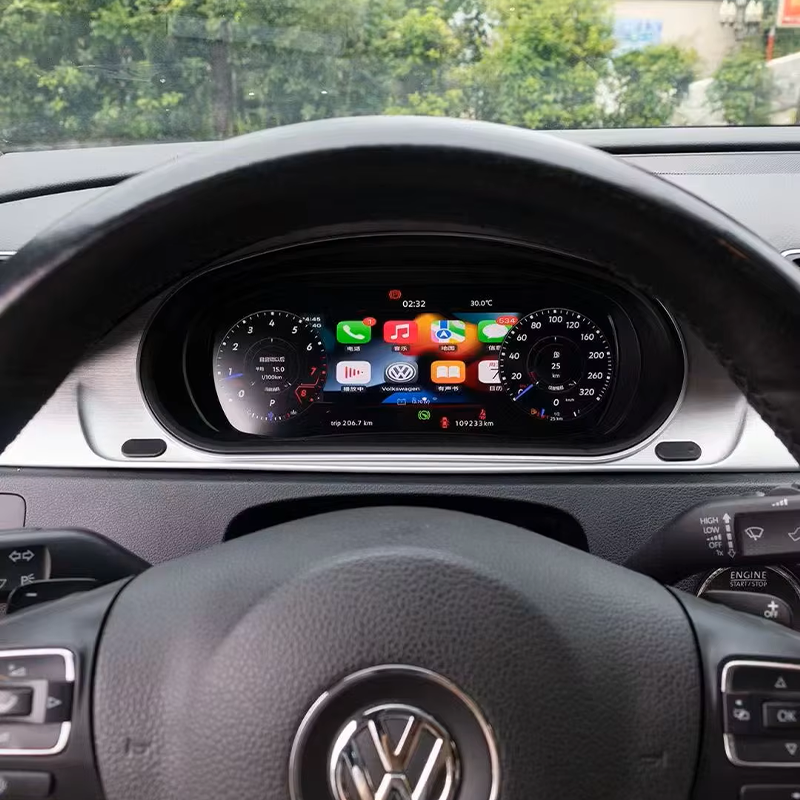
Mange ældre køretøjer understøtter ikke CarPlay, Android Auto, eller trådløs skærmdeling.
Fordel #3: Trådløs forbindelse og moderne funktioner
Indbygget Wi-Fi (802.11 b/g/n) og Bluetooth 4.2 aktivere trådløs skærmspejling og uden sømme Apple CarPlay/Android Auto/Huawei HiCar.
Problem #4: Kompliceret installation og kompatibilitetsproblemer
Eftermontering kan virke skræmmende, hvis der skal foretages ændringer i ledningsføringen.
Fordel #4: Problemfri installation og kompatibilitet
Plug-and-play design med ingen ændringer i ledningsføringen. Det originale hovedkort i instrumentbrættet bevares til de centrale funktioner og fejlfinding.
Problem #5: Begrænset holdbarhed og pålidelighed hos ældre systemer
Ældre klynger kan svigte og mangle softwareunderstøttelse.
Fordel #5: Forbedret holdbarhed og langsigtet support
Med støtte fra en 3 års garanti, plus fjernrettelser af fejl og OTA-opdateringer for at holde funktionerne opdaterede.
Praktiske eksempler på opgraderinger
Casestudie 1: BMW 5-serie fra 2010
Problem: Forældet instrumentpanel, svært at aflæse i direkte sollys; ingen CarPlay.
Løsning: 12,3 tommer LCD-instrumentpanelet gav et klart billede og indbygget Apple CarPlay integration.
Casestudie 2: Audi A4 fra 2014
Problem: Ingen trådløs skærmdeling eller moderne brugergrænseflade.
Løsning: 10,25 tommer LCD med 9 i Audi-stil layouter, samt Android Auto og Apple CarPlay.
Casestudie 3: Toyota Prius (hybrid) fra 2016
Problem: Der er brug for oplysninger, der tager højde for hybridkøretøjer.
Løsning: Tilpasselig brugergrænseflade, der viser batteriets opladningsstatus samt køretøjsdata, fuldt kompatibel med hybridbiler.
Trin-for-trin installationsvejledning
Trin 1: Vælg den rigtige model
Kontroller kompatibiliteten ud fra bilmærke og model, og vælg skærmstørrelse (12,3" eller 10,25").
Trin 2: Fjern det originale instrumentbræt
Fjern det analoge instrumentpanel på en sikker måde, og frakobl strøm- og datakablerne.
Trin 3: Tilslut det nye LCD-instrumentpanel
Tilslut til fabriksledningsnettet. Plug-and-play-designet gør det unødvendigt at skære i ledningerne.
Trin 4: Kalibrering og systemopsætning
Kalibrer og synkroniser med køretøjet. Indstil sprog, klokkeslæt og foretrukken brugergrænseflade.
Plug-and-play · Montering i OEM-stil · Global support
Ofte stillede spørgsmål (FAQ)
1. Er installationen nem?
Ja. Den er udviklet til plug-and-play. Der skal ikke skæres i ledninger; stikkene er mærket, så installationen er enkel.
2. Vil det digitale instrumentpanel fungere i min bil?
Den understøtter en lang række køretøjer, herunder diesel, hybrid og manuel modeller. Kontroller altid, at delen passer til bilens VIN-nummer eller modelår, inden du køber den.
3. Hvor længe gælder garantien?
3 års garanti med fjerndiagnostik og OTA-softwareopdateringer.
4. Kan jeg tilpasse skærmbilledet?
Ja. Vælg mellem 8 brugergrænsefladelayouter (herunder 9 i Audi-stil temaer) og indstille sprog, enheder og datavisninger.





Add comment